Virello 1.3: Your content series. Your style.
Choose the topics that appear regularly and the look of your posts. Recurring content series, four design styles and your own templates give Sofia a clear direction for your social media content.
Give recurring topics a place in your plan
Which topics should appear regularly on your channels? And which look fits your business? You can now set both in Content: your recurring topics under Content series, and their look under Your style.
A series gives Sofia a recurring idea to develop into new editions with specific topics, images and copy. An “Appliance of the month” series might explain an oven in one edition and a refrigerator in another.
Four styles for your content
Choose Minimalist, Photo-led, Elegant or Bold. These examples show the same starting idea in four different designs:
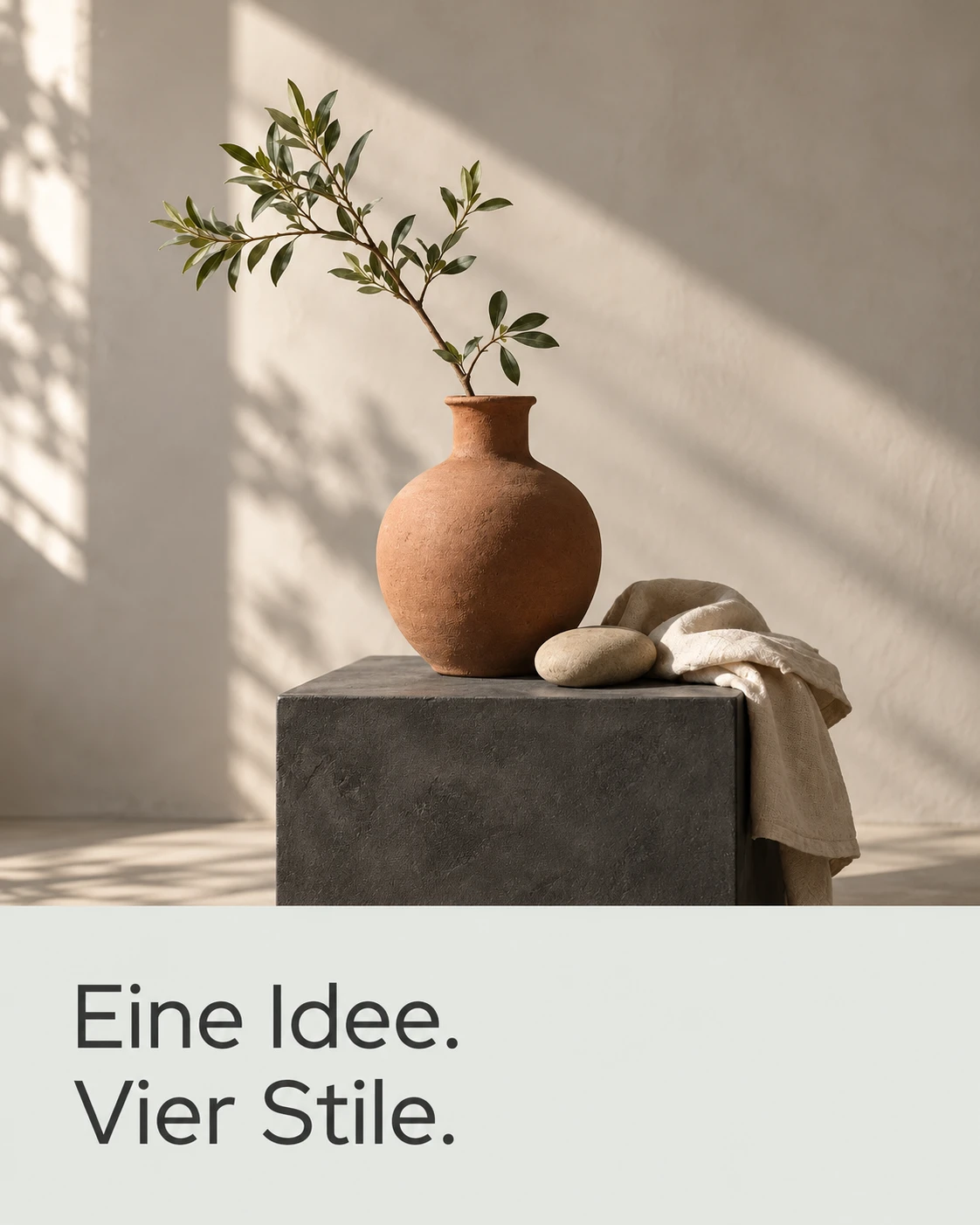
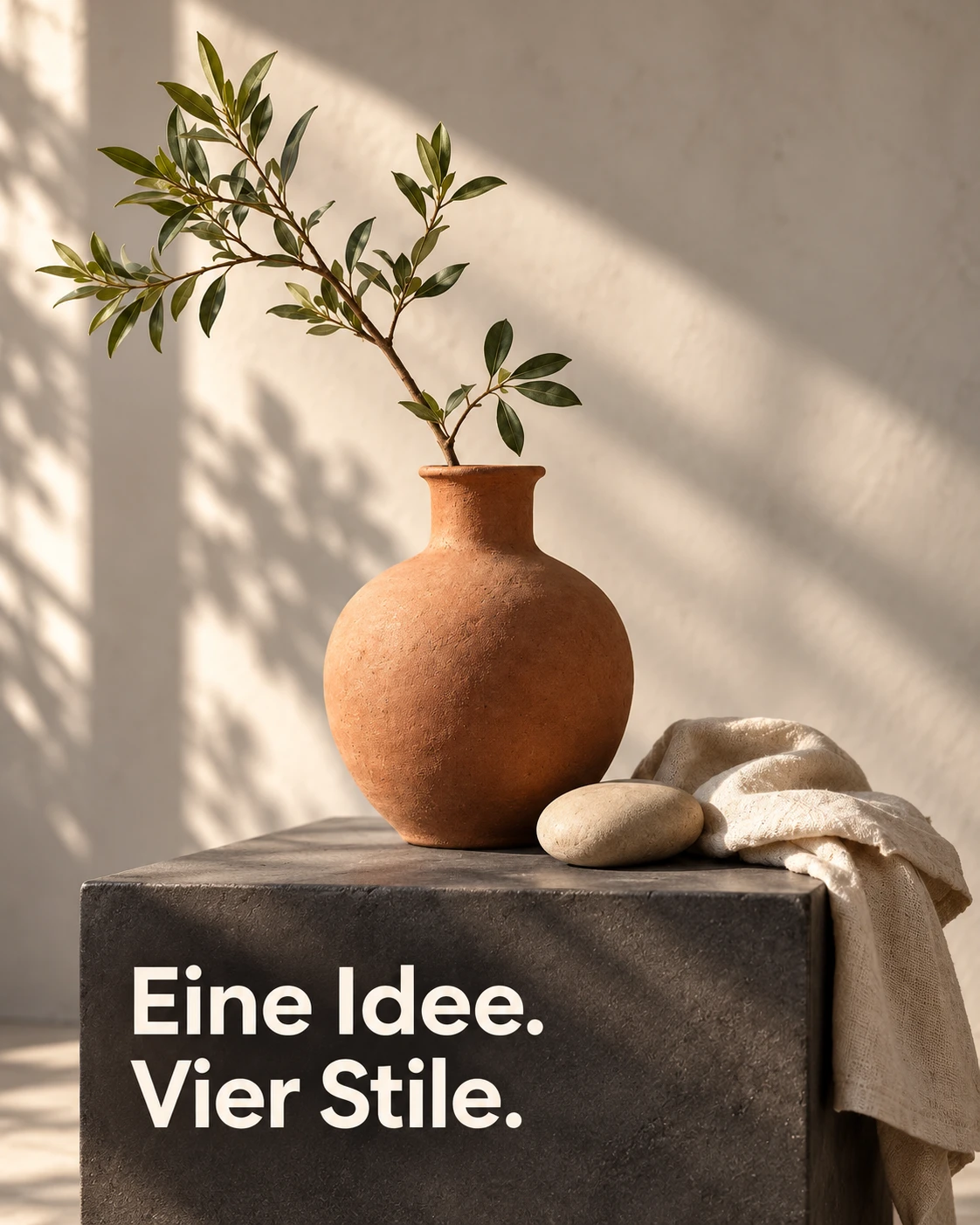
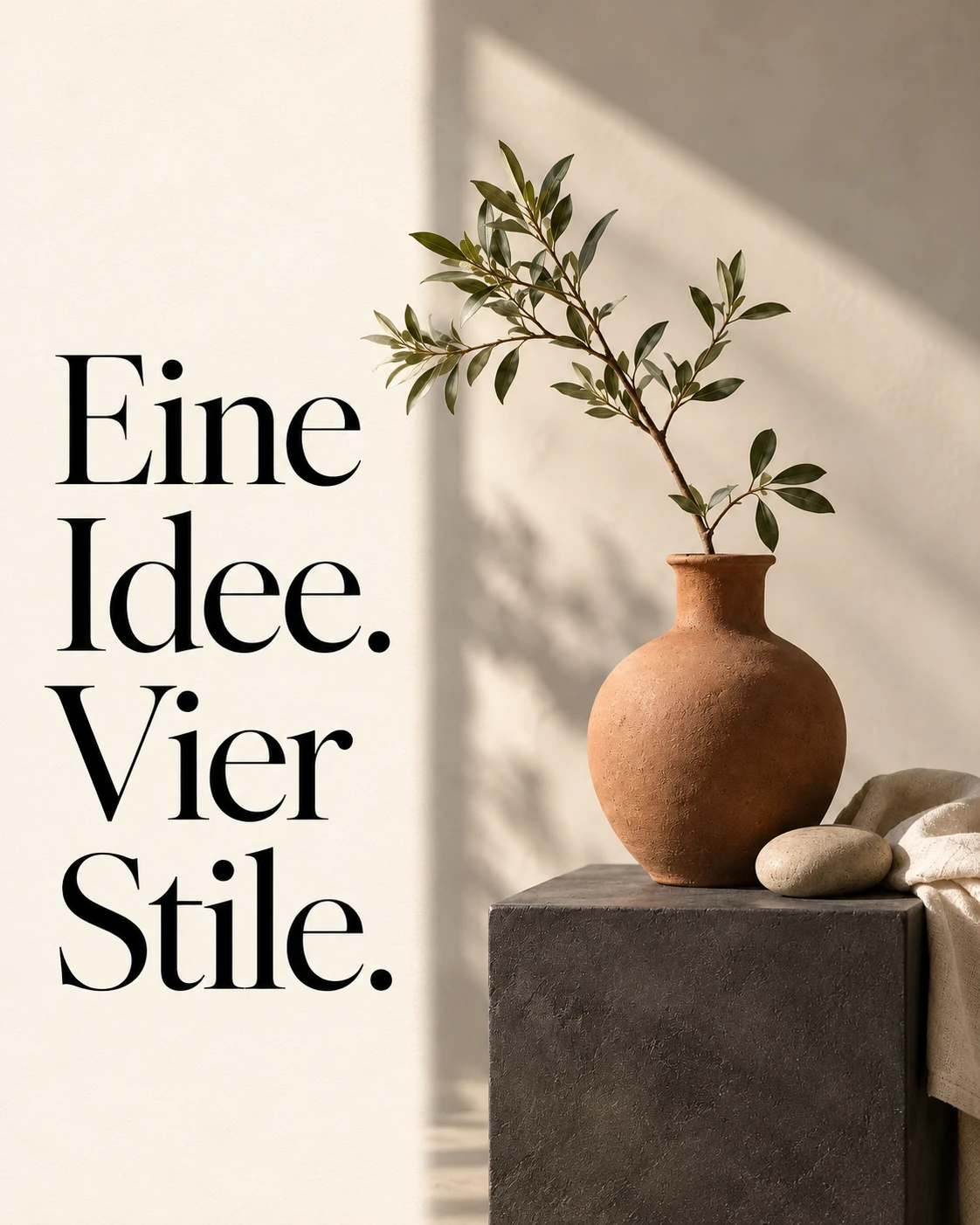
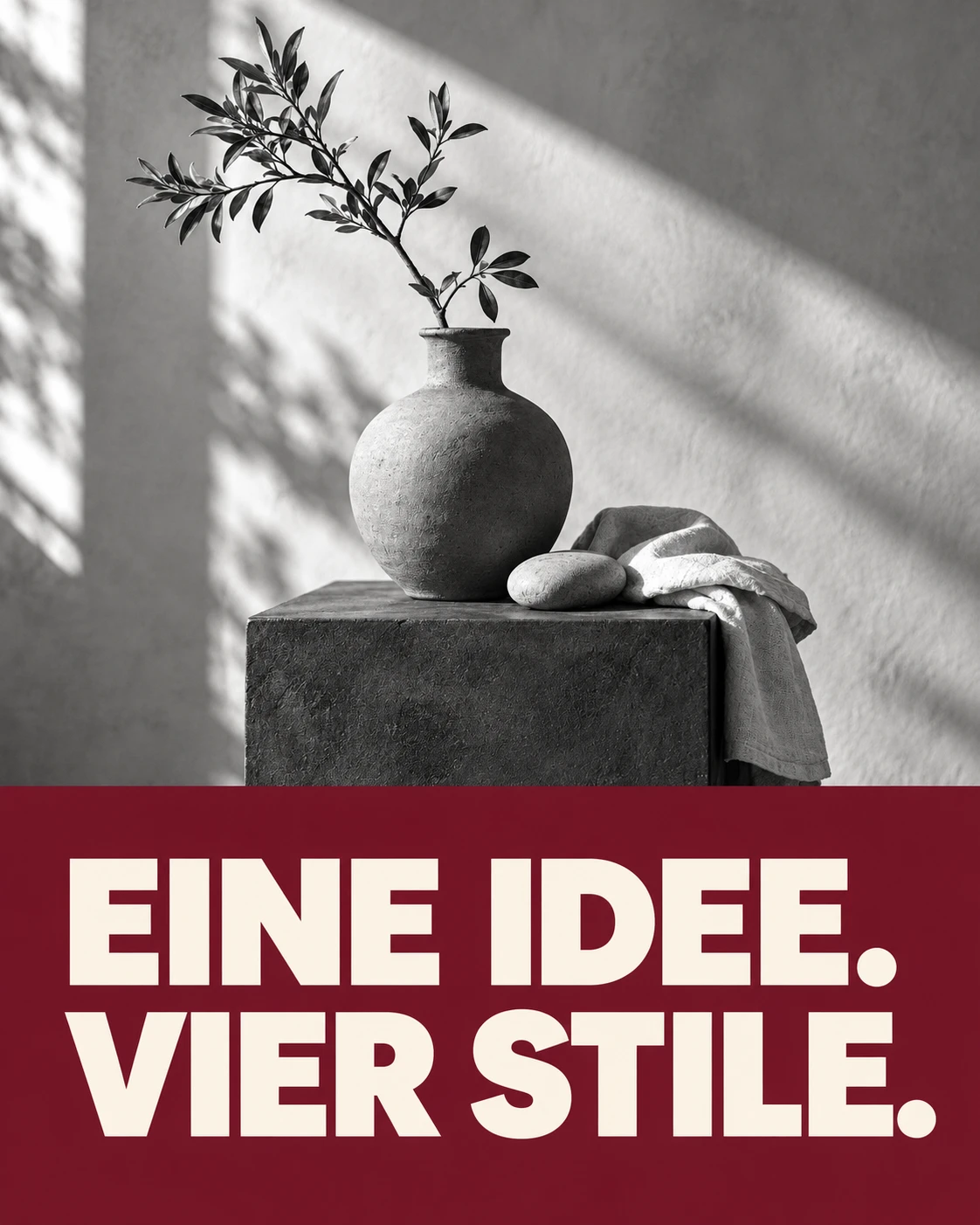
Design examples from the German interface.
Your Brand Book continues to provide colors, fonts and brand information. Choose No fixed style to leave the design open for each piece of content. You can also open the style selection from the content rules in your Brand Book.
Your series at a glance
The compact overview shows each series’ idea, post format, frequency, channels and status. You can activate, pause, edit or create series.
Kitchen studios, for example, have series for lighting moods, fronts and worktops, alongside kitchen care, appliance spotlights and material combinations.
Click a row to open its configuration. Click a preview image to open a larger example that you can browse slide by slide.
From an example to your next edition
This lighting story shows the structure: a cover with a question, followed by the same kitchen in two lighting moods.
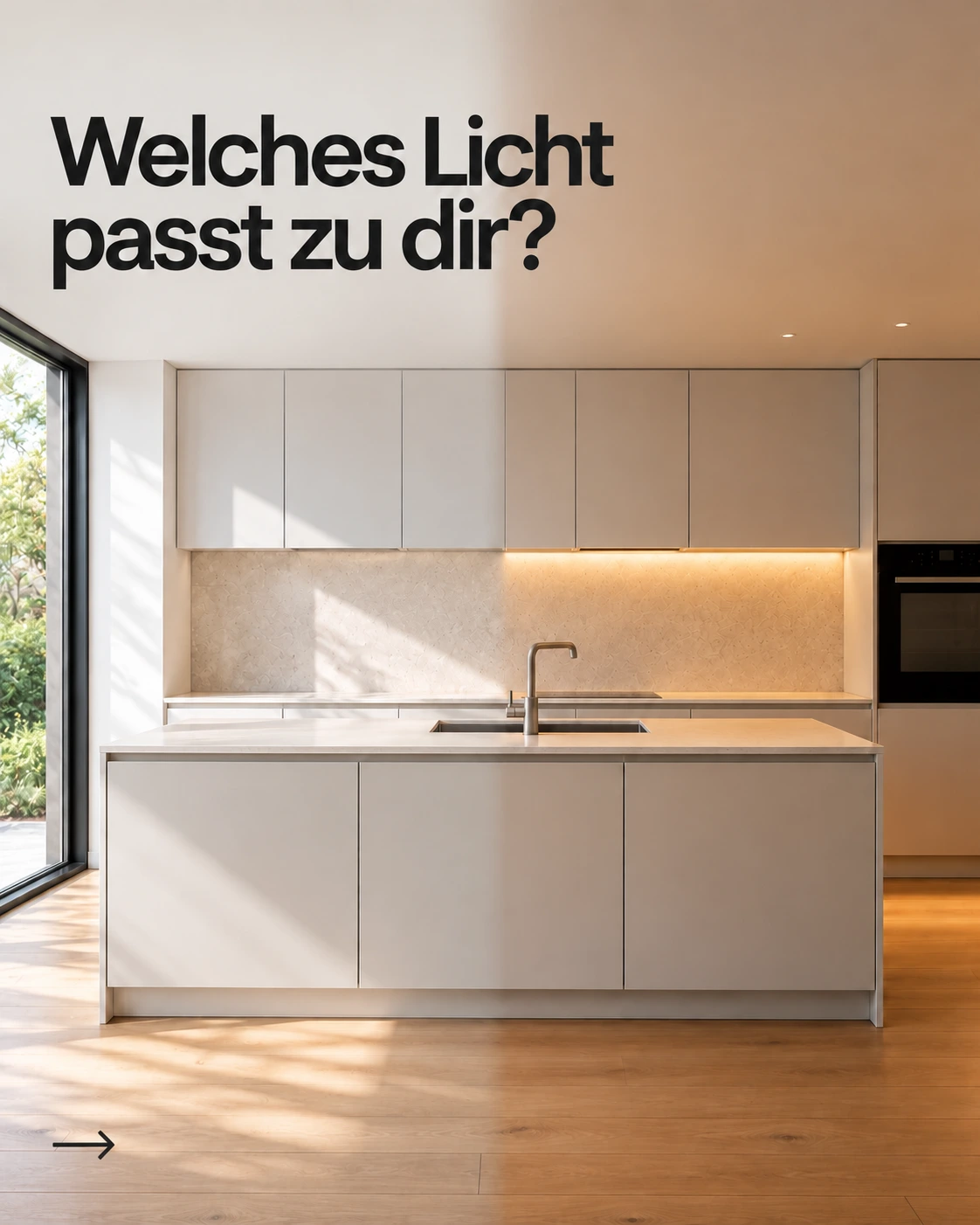
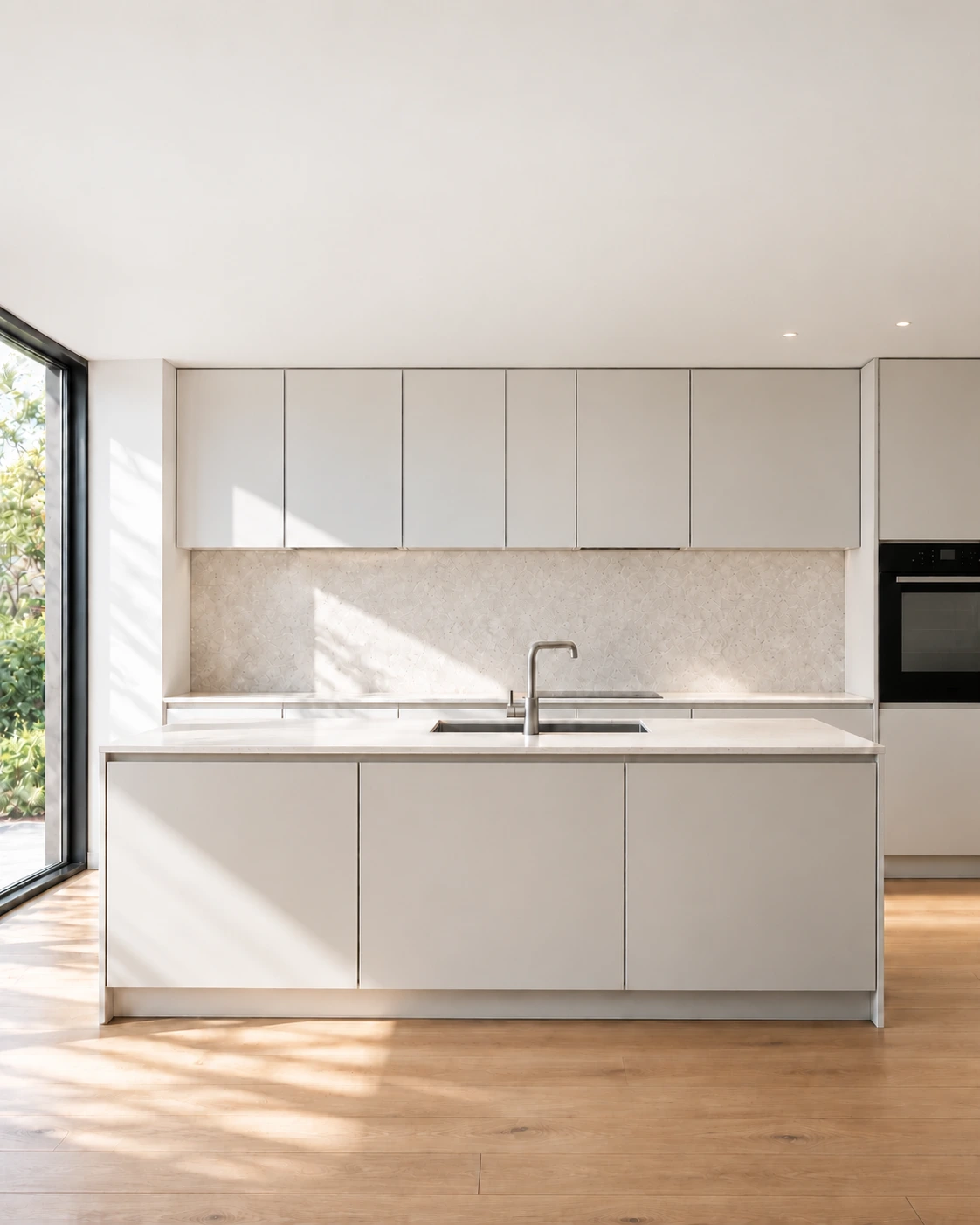
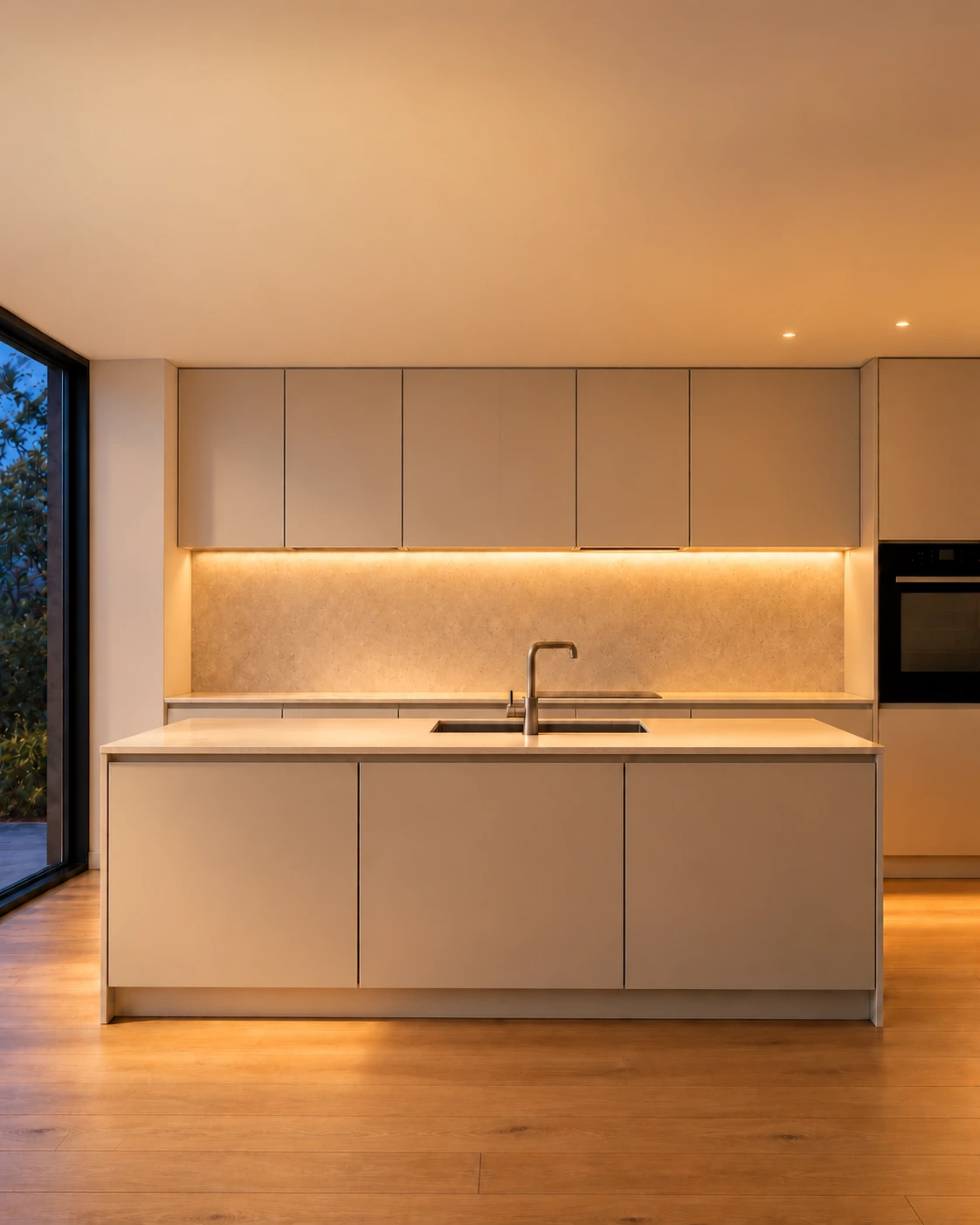
These images are design examples. During production, Sofia uses the structure as guidance and fills it with the current edition’s subject, relevant information and your brand.
Prepared series have matching standard templates for each style. Start with a cover and optionally add more slide references. Each series can use a standard template, your own template or no template.
Get started
- Open Content → Your style and save your chosen look, or select No fixed style.
- Under Content series, activate suitable topics and adjust their instructions, schedule and templates.
- Ask Sofia to plan new content. The assigned series and its saved instructions inform planning and production.
Before saving a later style change, Virello shows which standard templates will change. Custom templates, explicit template opt-outs and already planned posts are preserved.